
Vocabulary
How vocabulary reviews work in Yomimaru
Yomimaru's vocabulary reviews run on FSRS-5, the open-source scheduler Anki also offers, aiming for you to remember 9 words in 10. Yomimaru is a Japanese learning app built around reading, for every level, with a vocabulary system built in. Each word you study has a card that shows the Japanese and asks for the meaning, and a deck can add a second card that asks for the Japanese. You flip the card, type the answer (the meaning, or the word in rōmaji or kana), or pick from four, and your answer decides when the word comes back: tomorrow if you missed it, months later once you know it well.
By Maxime Pitaval. Updated . 14 min read.
On this page
Spaced repetition in one minute
Spaced repetition means reviewing a word just before you would forget it, and Yomimaru schedules every vocabulary review this way. Each review you get right makes the memory last longer, so the gap before the next review grows.
Yomimaru aims for you to still remember 9 words in 10 when they come back. That target is called desired retention, and Yomimaru sets it at 90%, the same default Anki's manual gives for FSRS, which it calls "a good balance of retention and workload". A higher target would mean more reviews for each word, and a lower one more words forgotten between reviews.
- Today
- Day 33 days later
- Day 1411 days later
- Day 4935 days later
- Day 150101 days later
After a first Good, a word comes back in 3 days, then about 11, 35, 101 and 269 days, and from then on every 365 days, the longest gap Yomimaru gives. Easy on a new card sends it about 16 days out. A miss brings any word back tomorrow.
A word you learn in a lesson starts lower, because the lesson quiz is its first review and "Got it" counts as Hard. If you then answer Good every time, its gaps run about 1, 3, 9, 25 and 64 days. One lesson word's path, tier by tier, is on how a new word becomes learned.
FSRS-5: the scheduler Yomimaru uses
Yomimaru schedules vocabulary reviews with FSRS-5, a version of FSRS (the Free Spaced Repetition Scheduler), an open-source spaced repetition algorithm from the open-spaced-repetition project. Anki supports FSRS from version 23.10.
FSRS tracks three numbers for each card and updates them after every answer:
- Difficulty: how hard the word is for you.
- Stability: how many days the memory lasts before your chance of recalling it falls to 90%. Yomimaru's six Lantern tiers read this number, and a word counts as learned once it holds for a week (Glow).
- Retrievability: your chance of remembering the word today. It falls a little each day, and FSRS brings the word back on the day it would reach 90%.
Yomimaru uses the 19 default parameters the FSRS project publishes for FSRS-5. The project tests FSRS-5 in its open SRS benchmark, on the review histories of 10,000 Anki users, about 727 million reviews.
Beside the parameters, Yomimaru sets four things:
- desired retention at 90%;
- gaps from 1 day up to 365 days;
- a spread of up to 5% either way on gaps over 2 days, so words you learned together don't stay due on the same day;
- no learning steps: a word you miss comes back later in the same sitting, then after 1 day.
FSRS or SM-2?
Yomimaru schedules every word with FSRS-5 and has no SM-2 option. SM-2 (SuperMemo 2) is the older schedule that Anki now calls legacy. Anki's FSRS manual page describes FSRS as "an alternative to Anki's legacy SuperMemo 2 (SM-2) algorithm" and says that, by more accurately determining how much you are likely to forget, "it can help you remember more material in the same amount of time".
Two cards per word
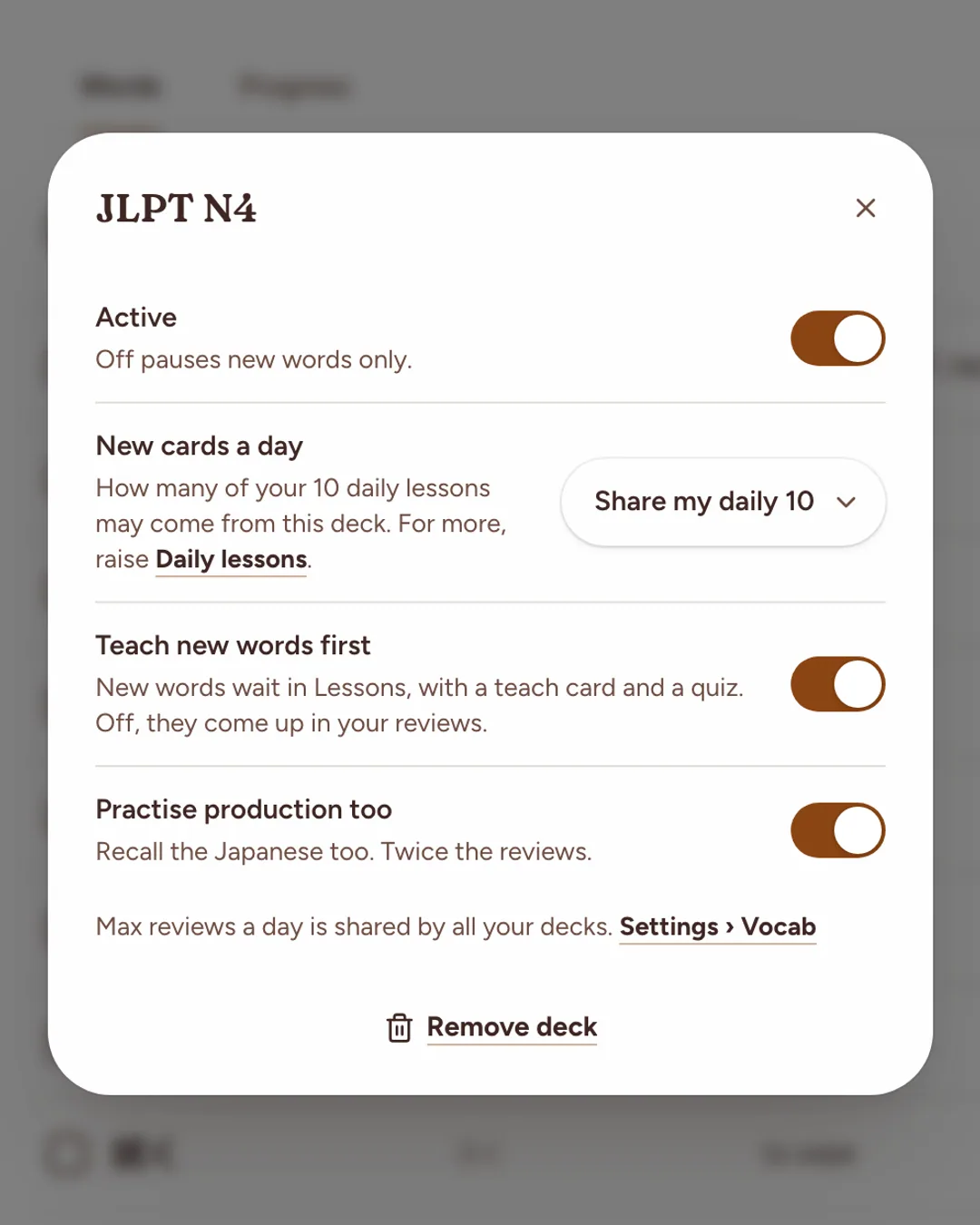
Each word in Yomimaru can have two review cards, each on its own schedule: recognition shows the Japanese and asks for the meaning, and production shows the meaning and asks for the Japanese. The recognition card for 猫 asks for "cat", and its production card shows "cat" and asks for 猫.
- Recognition is always on. Production is a deck setting: open a deck's settings and turn on "Practise production too" ("Recall the Japanese too. Twice the reviews."). It is off by default.
- A word's production card starts only once its recognition holds for 7 days (Glow).
- From then on, each review asks the direction you are closer to forgetting.
- A production card's first answer sets its first gap: Again or Hard brings it back after 1 day, Good after 3 days and Easy after about 16.
Three ways to answer: Show, Type and Pick
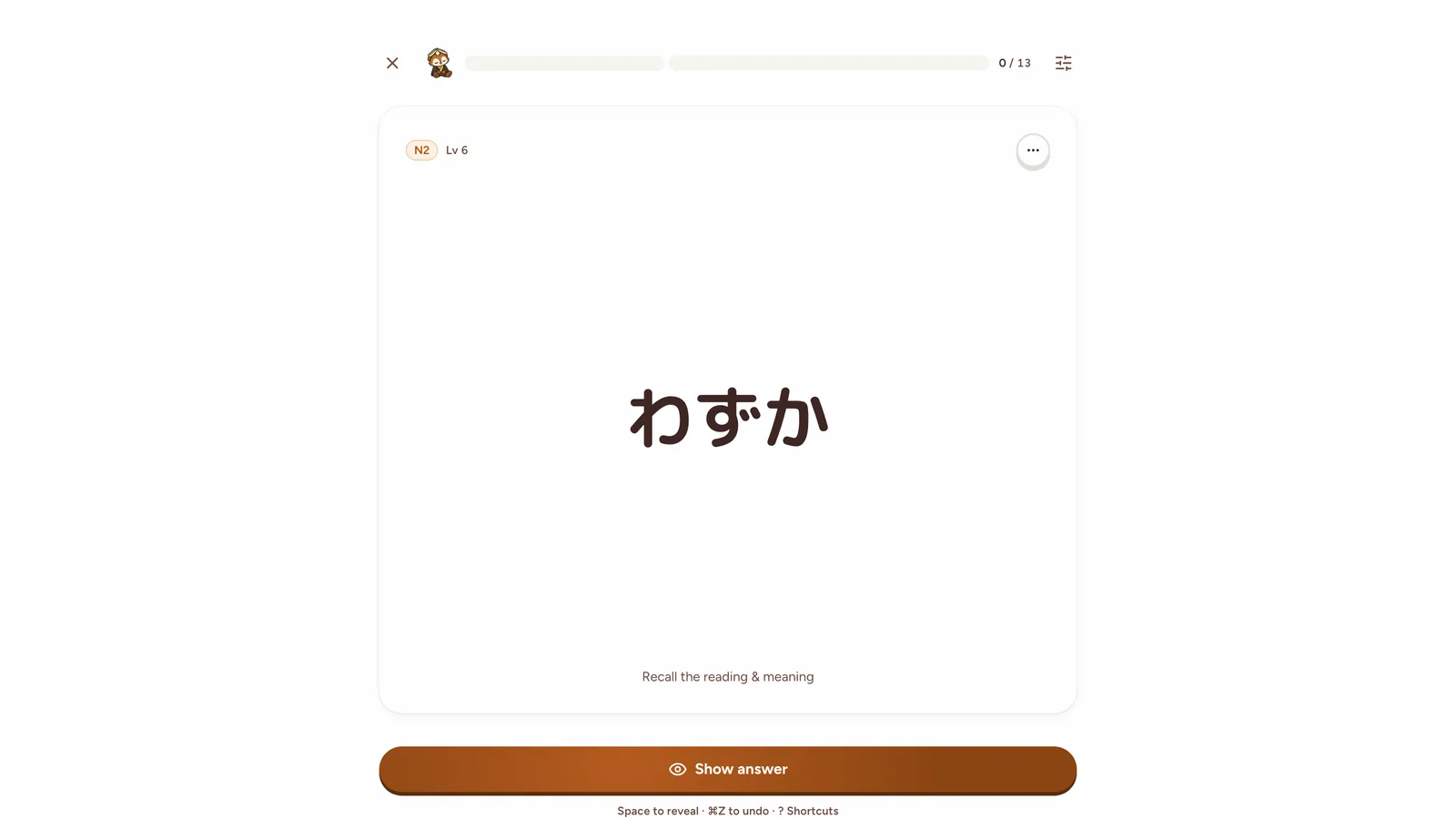
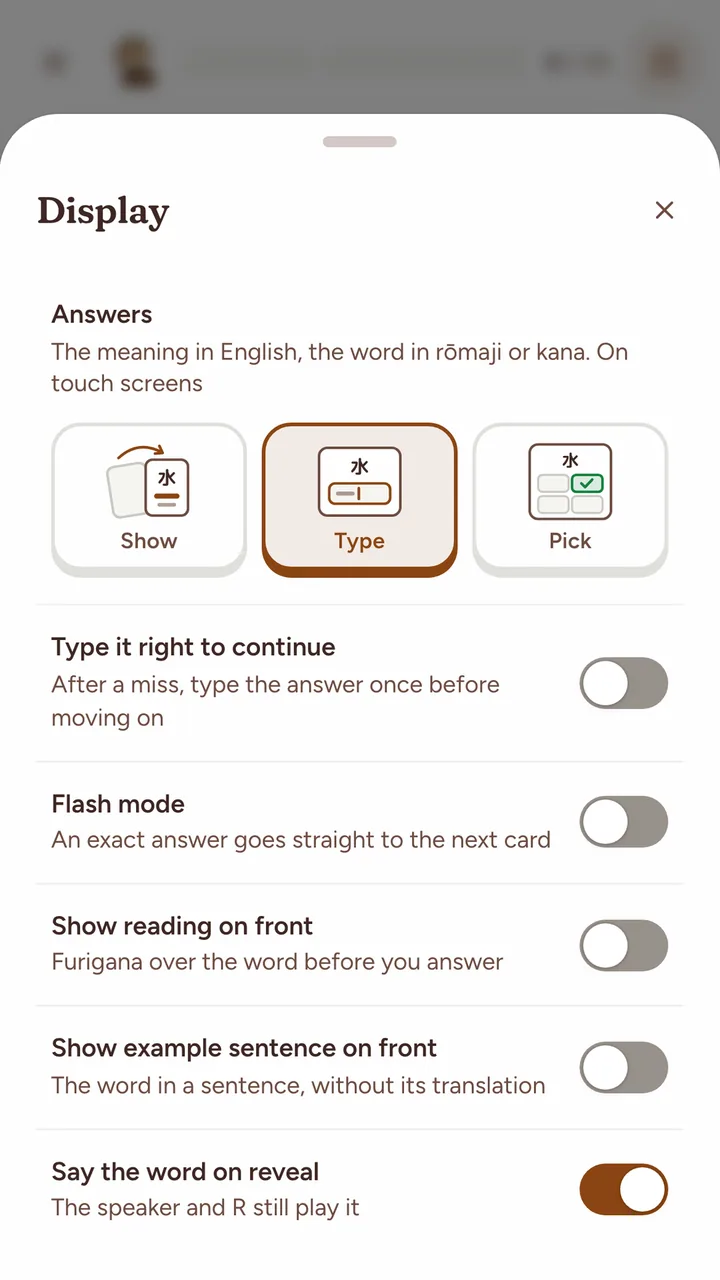
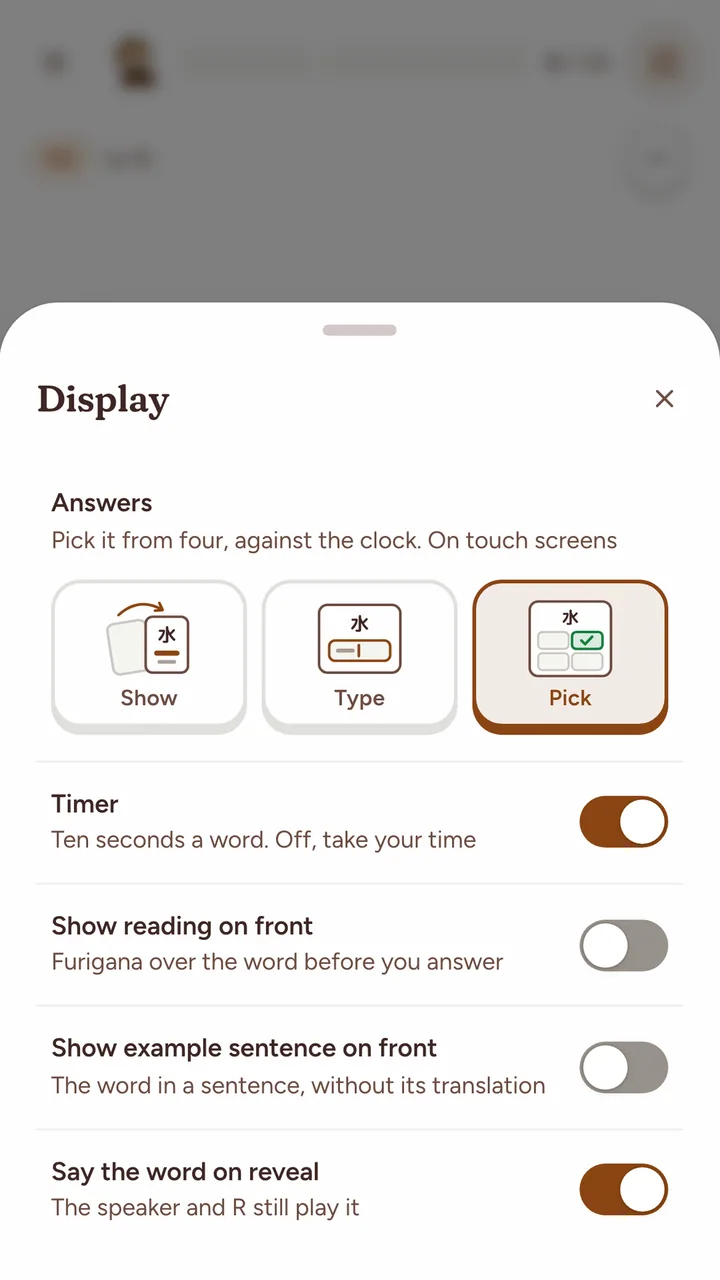
Yomimaru lets you answer a Japanese review card three ways: Show (you flip the card) and grade yourself, Type the answer and let Yomimaru grade it, or Pick it from four choices against a timer. In Type, you type the meaning in English, or the Japanese word in rōmaji or kana. You choose under Answers in Display preferences, the sliders button in a review. Type and Pick are for word cards: sentence, grammar, cloze and lesson cards are always flipped.
| Mode | What you do | How it is graded |
|---|---|---|
| Show | What you do: Turn the card with "Show answer" or Space | How it is graded: You choose Again, Hard, Good or Easy |
| Type | What you do: Type the meaning in English, or the word in rōmaji or kana | How it is graded: Right is Good. Wrong or "Don't know" is Again |
| Pick | What you do: Tap one of four tiles within 10 seconds | How it is graded: Right is Good, or Hard when slower than your usual pace, and counts 34% of a right answer in Show or Type. Wrong, "Time's up" or "I don't know" is Again |
Type makes you produce the answer, while Pick asks you to spot it among four, so a right pick counts for less (how Pick counts). Yomimaru keeps the choice separately for a keyboard and a touch screen, so you can type on a laptop and pick on your phone.
Type
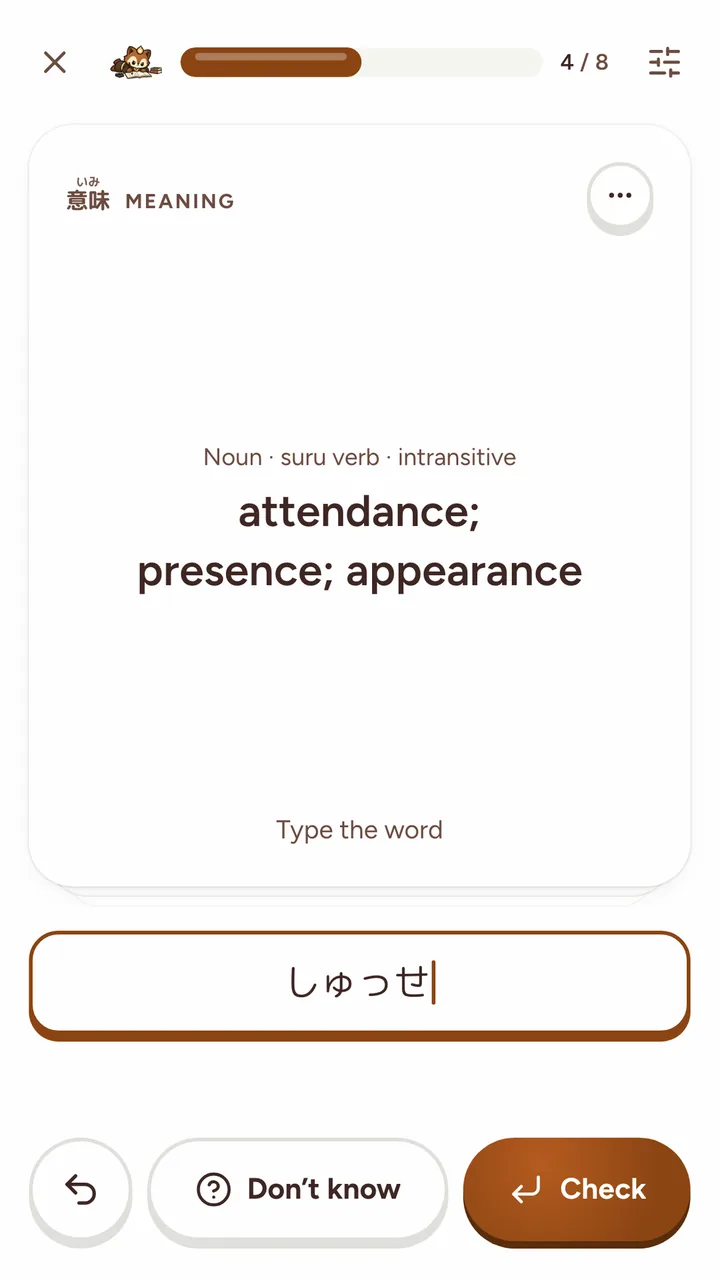
Yomimaru checks a typed answer for you. A recognition card asks "Type the meaning", and a production card asks "Type the word": you type kana, or rōmaji that turns into kana as you go, so neko shows ねこ.
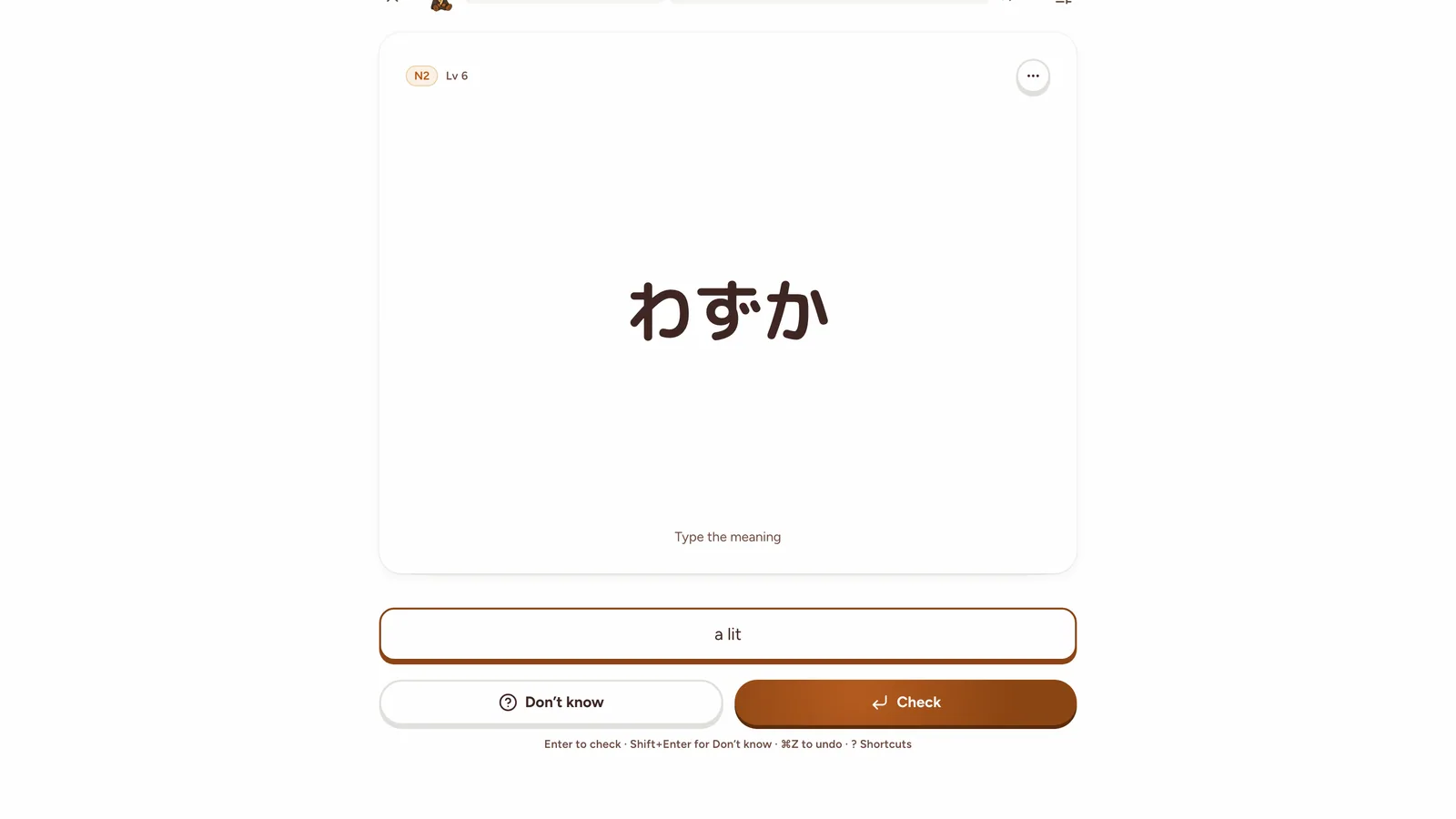
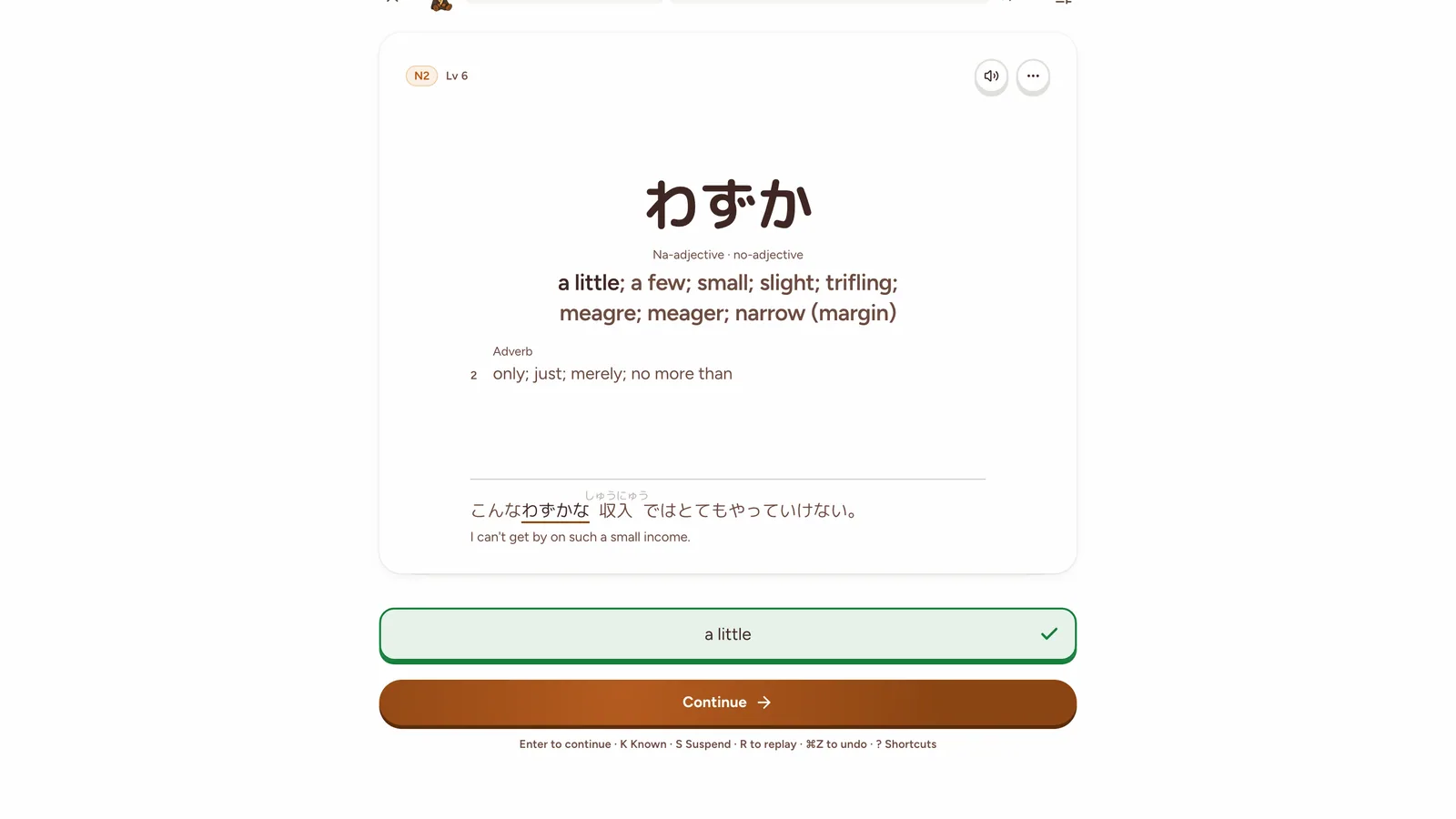
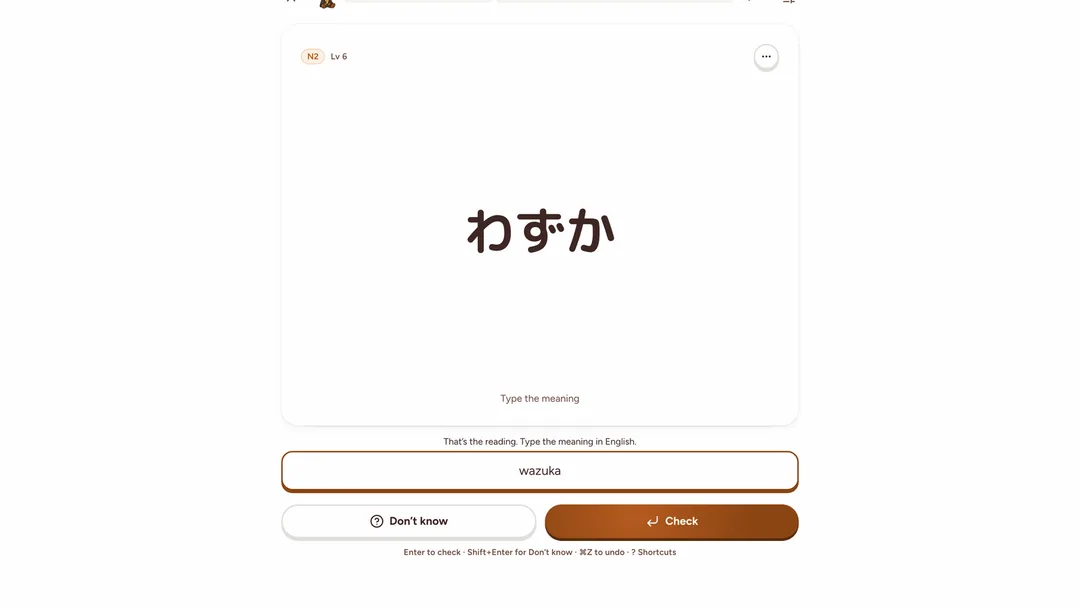
Some slips get a note and another try instead of a miss. On a rōmaji keyboard, tokyo for 東京 gets "Mark the long vowel and try again.", and neko on a card that asks for the meaning gets "That's the reading. Type the meaning in English." A spelling that makes a different word is wrong: kite for 切手 is a miss, shown with the hint "Look for a small っ." If you disagree with a verdict, "I was right" or "Count it wrong" changes it.
Two settings sit beside Type: "Type it right to continue" ("After a miss, type the answer once before moving on") and "Flash mode" ("An exact answer goes straight to the next card").
Pick
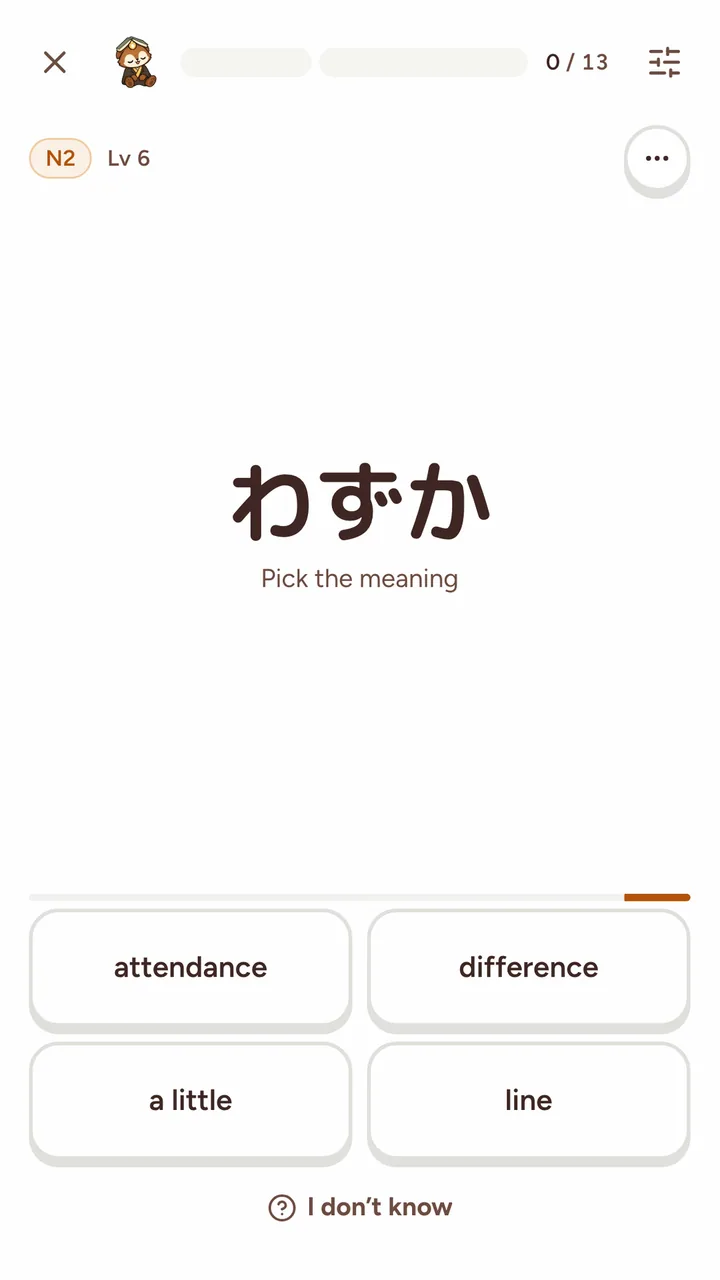
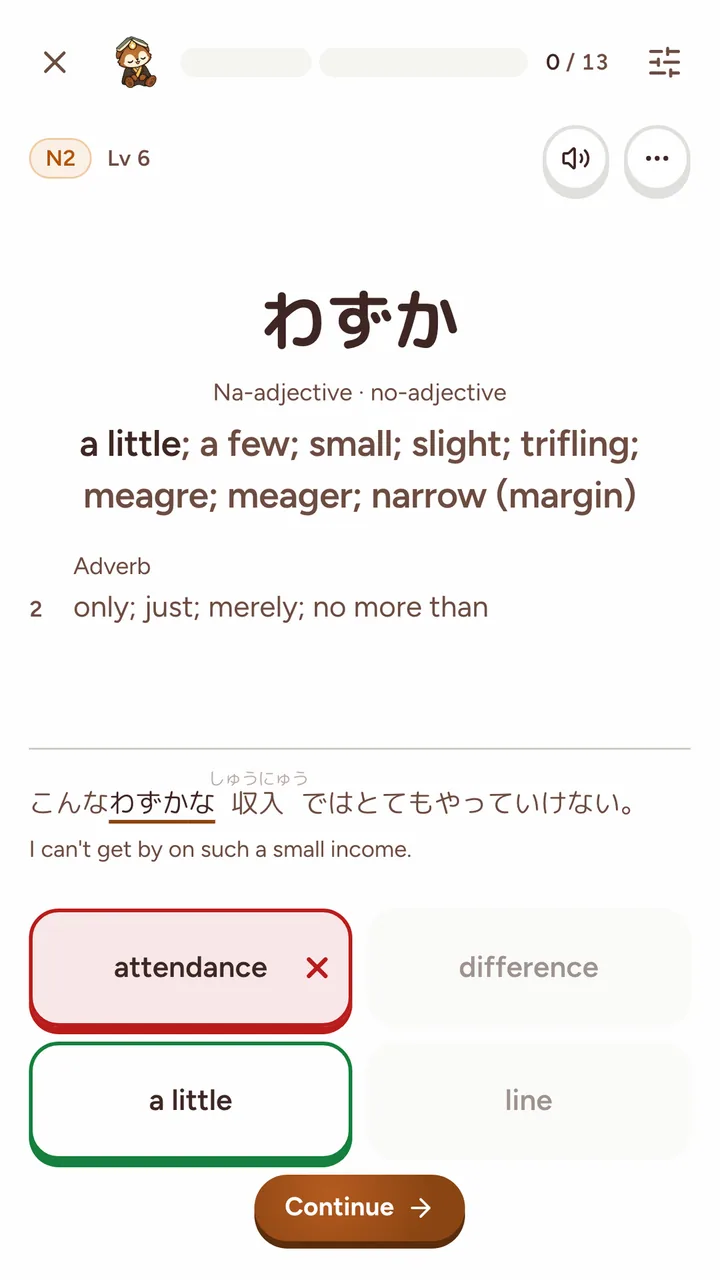
Pick, Yomimaru's multiple-choice mode, shows four tiles, under "Pick the meaning" or "Pick the word", and a 10-second timer that warns you in the last 3 seconds. The "Timer" setting turns the clock off ("Ten seconds a word. Off, take your time").
A right answer in Pick is not worth a right answer in Show or Type. Spotting the meaning among four proves less than recalling it, and a tap can be a lucky guess, so Yomimaru weighs each pick:
- a right pick moves the word 34% of the way a right answer in Show or Type would, and is graded Good, or Hard when you were slower than your usual pace, never Easy;
- a wrong pick, "Time's up" or "I don't know" counts 69% as much as a miss.
So a word climbs the Lantern tiers more slowly in Pick and needs more reviews to reach Glow, but each review takes a tap: a right pick moves on by itself, with no answer to type or grade to choose.
Pick suits short sittings on your phone, or a long list of reviews you want through quickly. For the words you most want to remember, use Show or Type. Since the choice is kept apart for a touch screen and a keyboard, you can pick on your phone and type at your computer.
The four grades
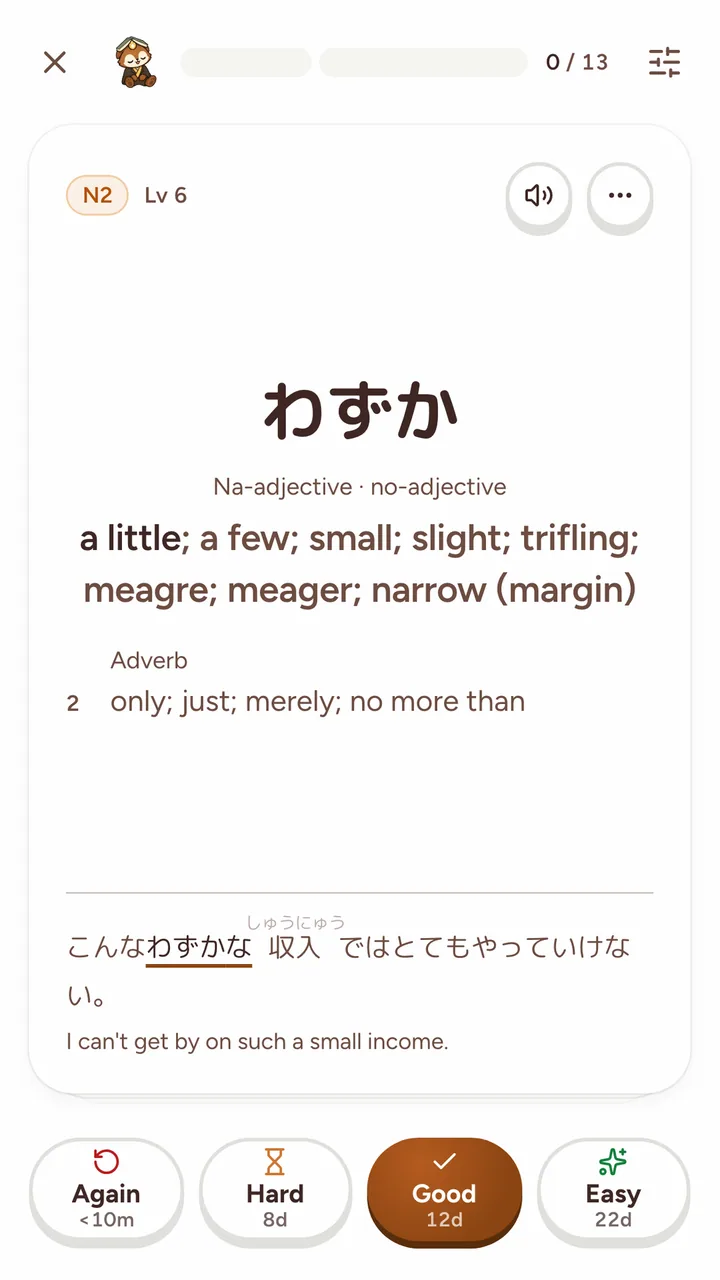
Yomimaru's four grades are Again, Hard, Good and Easy, and each button shows when the word would come back. Again reads "<10m", because a missed word returns later in the same sitting; Hard, Good and Easy show days, months or years. Again means you forgot the word. Hard, Good and Easy mean you remembered it, and say how readily.
- Keys: 1 or ← for Again, 2 for Hard, 3 or Space for Good, 4 or → for Easy.
- Again brings the word back tomorrow. It also comes back later in the same sitting, up to 3 times.
- Hard is still a pass. It gives a shorter gap than Good.
- "Undo last review" (or Ctrl or ⌘ + Z) takes back your last grade within 60 seconds.
- K marks a word as known: it leaves your reviews and counts as learned. S suspends it, which pauses its reviews until you unsuspend it.
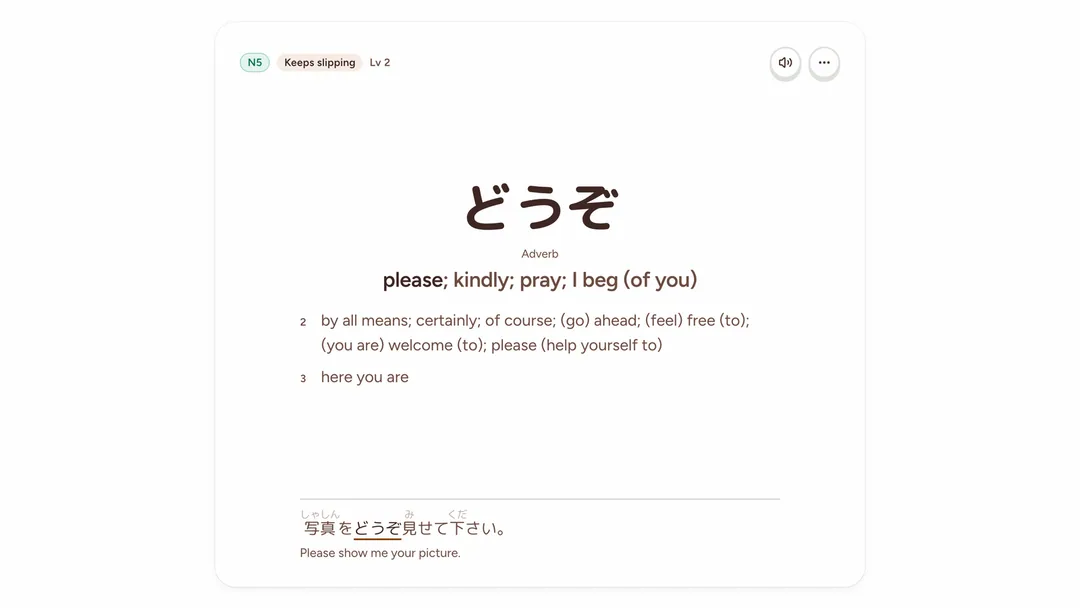
- "Keeps slipping" marks a word you have missed 8 times in one direction. The review offers to suspend it, and Yomimaru never suspends a word on its own.
Today's Review: how your day is built
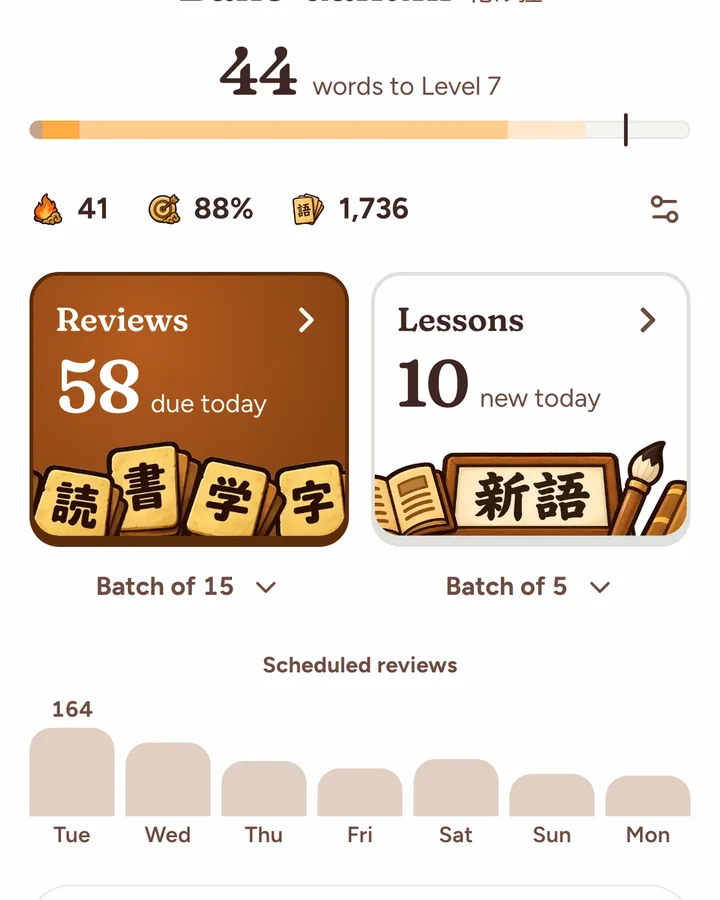
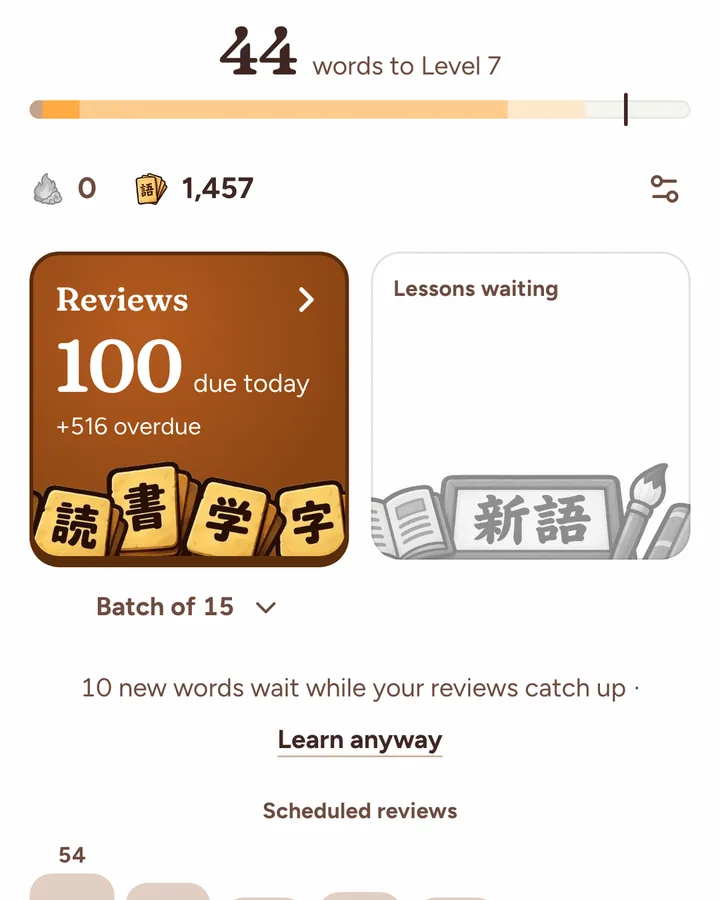
Today's Review is Yomimaru's daily queue: every word due from your decks, stars and lists, up to 100 reviews a day by default. It opens from the Reviews tile on the Vocab tab.
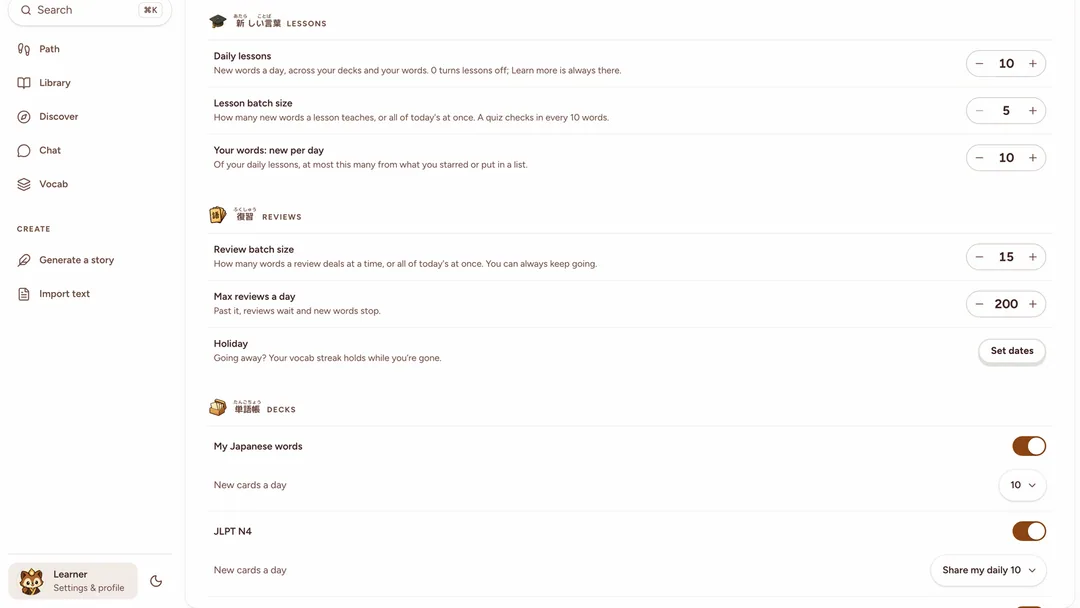
- The cap is "Max reviews a day" in Settings › Vocab, from 10 to 500: "Past it, reviews wait and new words stop." Until you set it yourself, it rises to an imported Anki deck's own daily review limit, up to 500.
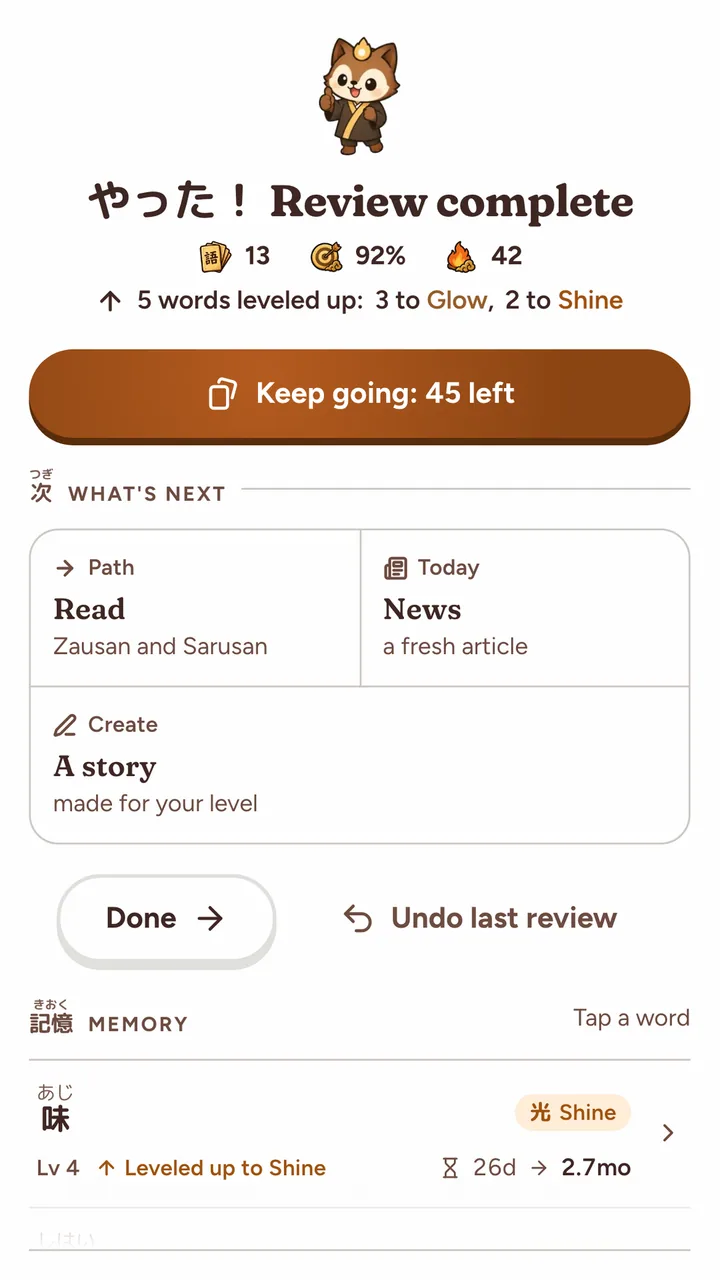
- Reviews come in batches of 15 by default. "Review batch size" offers 5, 10, 15, 25 or 40, or "All of today's", and the Reviews tile shows "Keep going: N left" between batches.
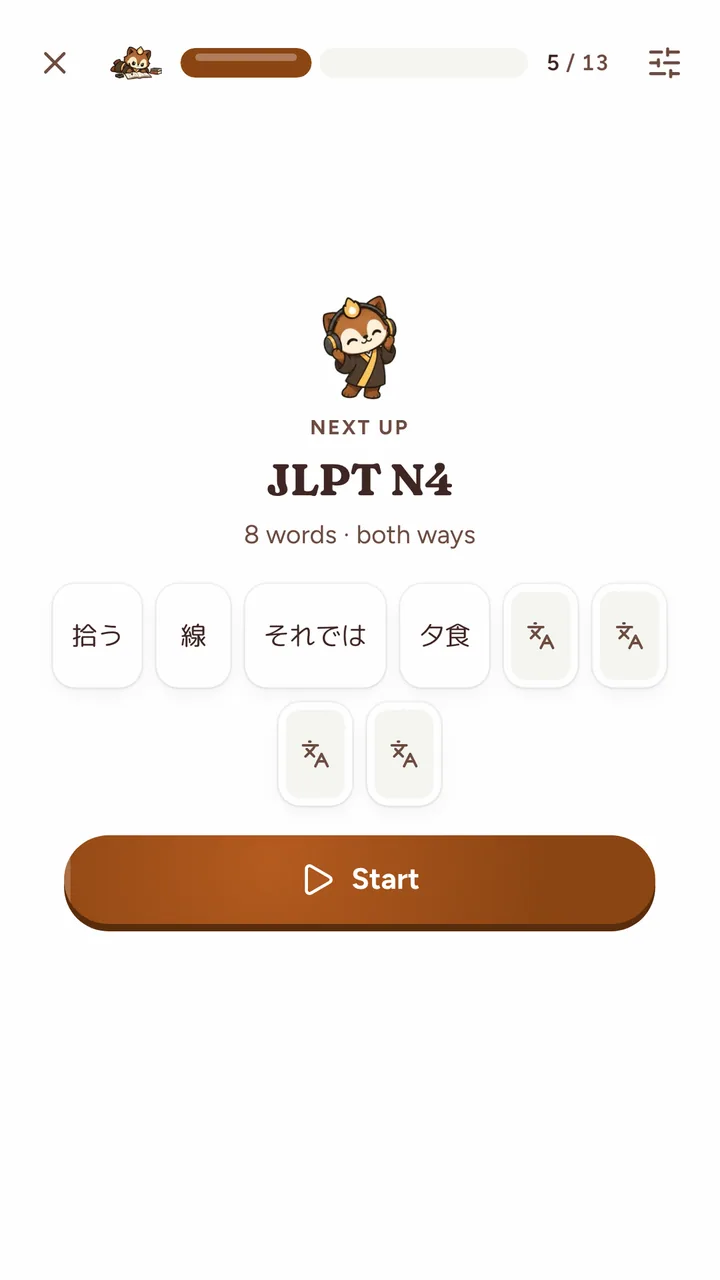
- The day is grouped in runs, one deck at a time, starting with the run whose words have waited longest, and a "Next up" screen comes between runs. New words are spread through their deck's run.
- When more is due than the cap, you are behind: Yomimaru puts the words you are most likely to forget first, holds new words, and the tile shows "+N overdue". Once the day is done, "Review N more" deals the due words that waited.
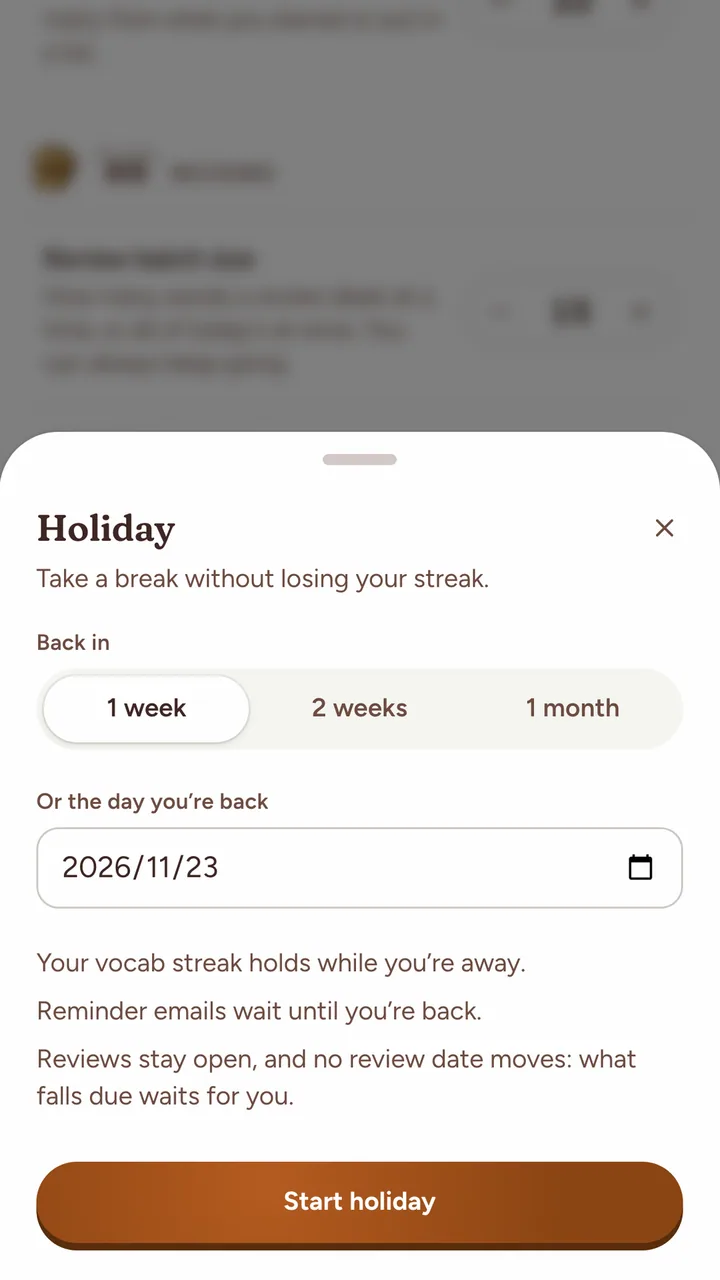
- Holiday mode, the Holiday row in Settings › Vocab, lasts up to 90 days. It holds your vocab streak, and reminder emails to a verified address wait until you're back. Reviews stay open, and "no review date moves: what falls due waits for you."
Lessons and reviews
In Yomimaru, new words come in through Lessons, 15 a day by default, and each word's lesson quiz is its first review. "Missed" counts as Again and "Got it" as Hard, and both bring the word back the next day, so a word you met a minute ago never jumps straight to the 3-day gap a first Good gives. A deck that doesn't teach through Lessons, such as an imported Anki deck, deals its new words straight into Today's Review, where your first answer sets the first gap.
How many new words you get, and how a word moves from new to learned: how Lessons bring in new words.
What gets reviewed
Yomimaru reviews a word only while it is in a deck you hold, starred, in one of your study lists, or a kana word from Yomikana. Every learner holds the Yomimaru 6k, Yomimaru's own 6,000-word deck. A word outside all of these is never scheduled.
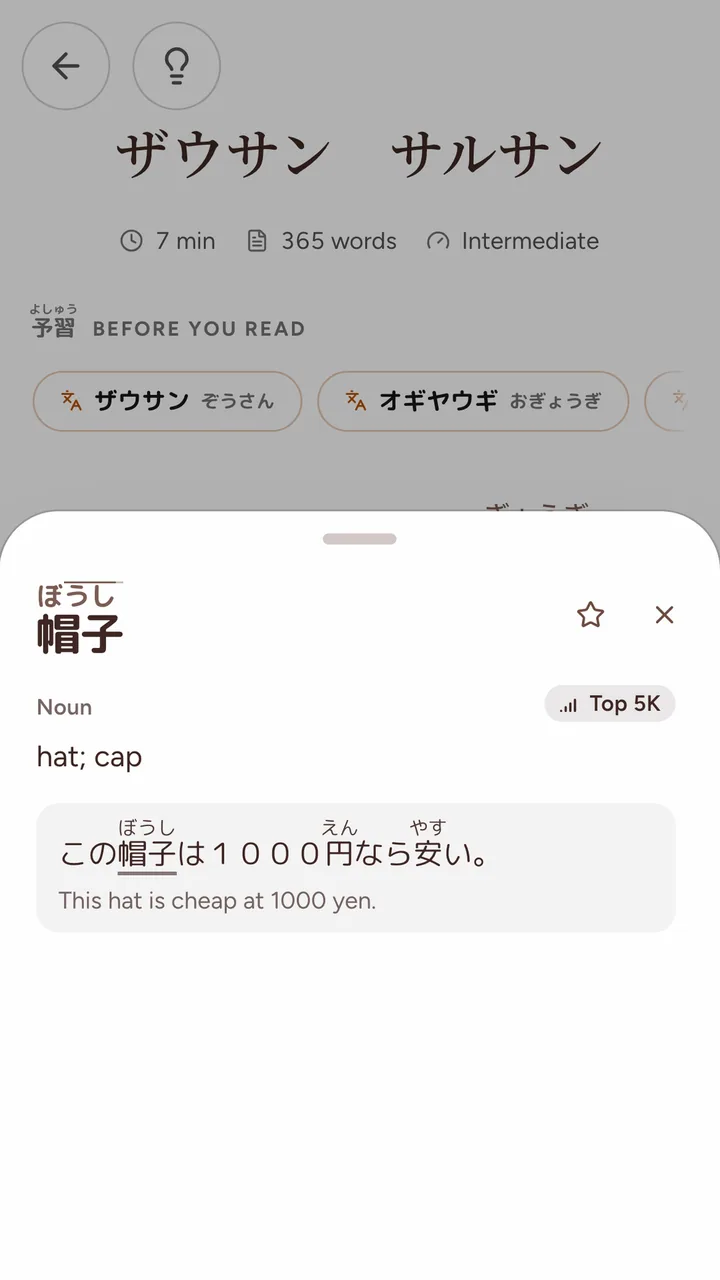
- Looking up a word while reading doesn't schedule it. Star it in the word popup to keep it, and Lessons bring it in. A 6k word you looked up comes first among the 6k's new words, up to half of them each day.
- A word that leaves all of these, because you removed its deck or unstarred it, leaves your reviews. Its tier and its memory stay, and if it comes back, it is due at once.
- Practice outside these, such as a run through your Recent Discoveries list, doesn't move a word's schedule.
- New words take turns across your decks. Each deck has "New cards a day", and a deck that teaches through Lessons starts at "Share my daily 15", a share of your daily lessons.
For how reading and reviews feed each other, see the guide learning Japanese vocabulary through context.
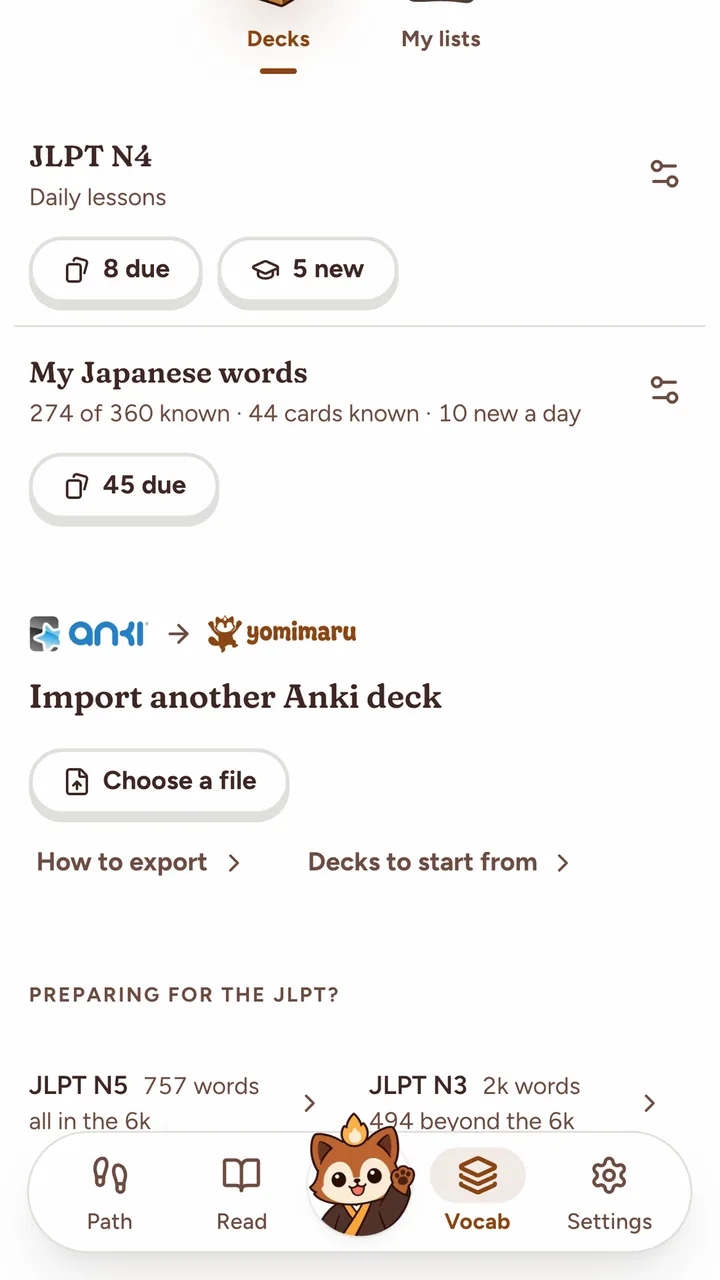
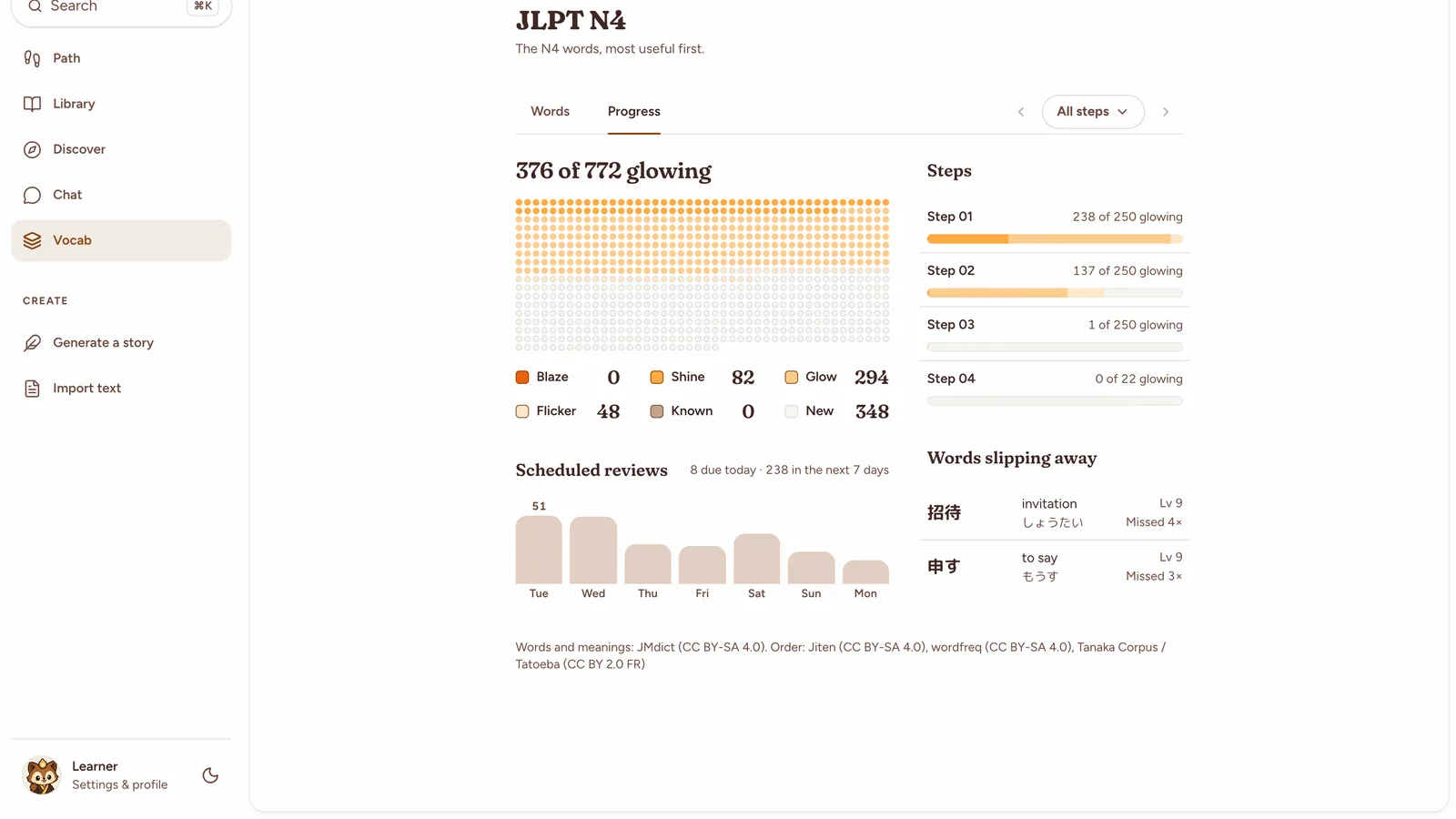
Your Anki decks
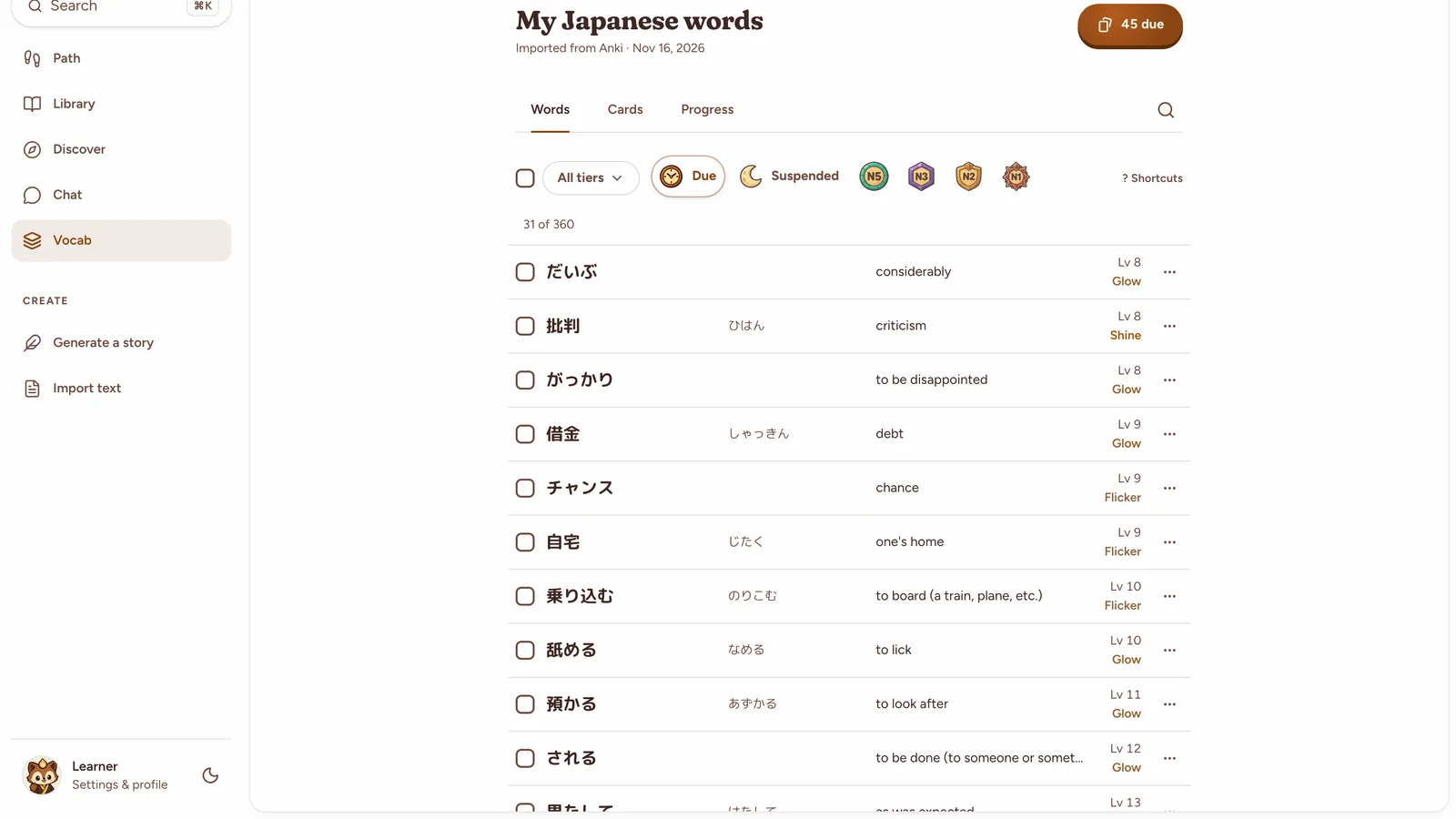
Yomimaru imports Anki decks with their review history (.apkg or .colpkg). Vocabulary and almost every other card come over, nothing changes in Anki, and you can undo the import for 30 days. Words you've learned in Anki count as learned, and each card's Anki schedule becomes an FSRS card: Anki's own FSRS memory if you used FSRS there, otherwise a replay of your review log. Sentence, grammar and cloze cards come into Today's Review beside your words.
How to import your Anki decks walks through the export, the import and what comes over.
Questions
Does Yomimaru use FSRS or SM-2?
Yomimaru uses FSRS-5 for every vocabulary review, on the 19 default parameters the FSRS project publishes, aiming for you to remember 9 words in 10. It does not use SM-2, the older schedule Anki now calls legacy. Anki decks you import keep their review history, and each card becomes an FSRS card. More in how Yomimaru uses FSRS-5.
Can I type my answers instead of flipping cards?
Yes. In a review, open Display preferences (the sliders button) and choose Type under Answers. You type the meaning in English, or the word in rōmaji or kana on a production card, and Yomimaru grades it: a right answer is Good, a wrong one Again. Yomimaru keeps the choice separately for a keyboard and a touch screen. More in the three ways to answer.
How many reviews will I get a day?
At most 100 by default. "Max reviews a day" in Settings › Vocab sets the cap from 10 to 500; past it, reviews wait and new words stop. Under the cap, the number depends on how many words you study and how well you know them: a new word comes back within days, a well-known one every few months. More in how Today's Review is built.
What happens if I skip a few days?
Your words keep their schedule. Words that fell due wait for you, and if more are due than your daily cap, Yomimaru shows the ones you are most likely to forget first and holds new words until you catch up. FSRS counts the real gap, so a word you still remember after a break gets a longer next gap. To keep your vocab streak through a planned break, set Holiday in Settings › Vocab first: it holds the streak for up to 90 days.