

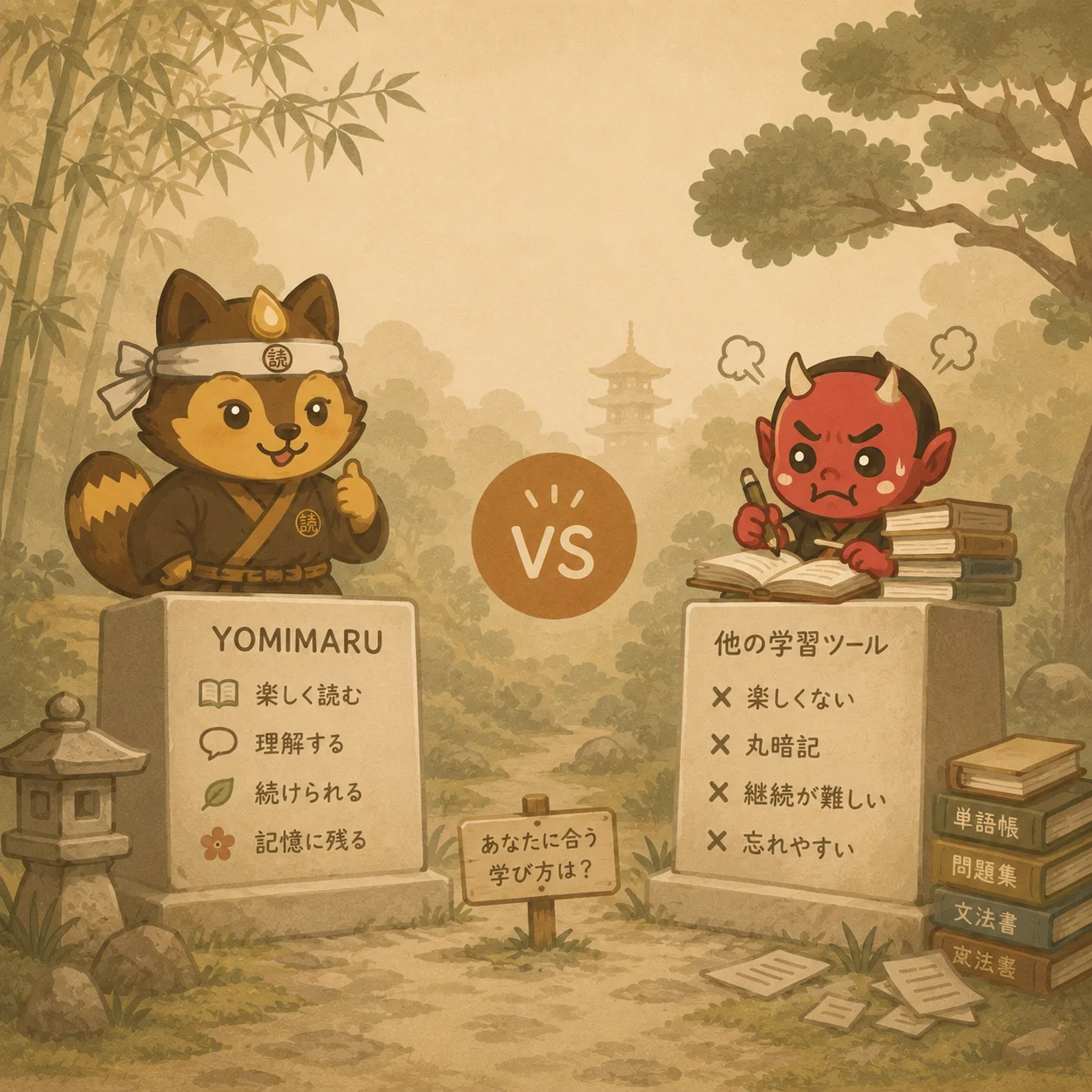
The best free furigana readers online in 2026 are Yomichan/Yomitan (hover-over furigana on any Japanese web page, desktop browsers only), Jisho.org (word-by-word lookup), ichi.moe (a sentence parser that glosses every component), Kuroshiro (a library for developers) and Yomimaru (adaptive JLPT-level furigana on any text you import). Which one is right depends on the unit of Japanese that stopped you: a word, a sentence, a page somebody else published, or a document you brought yourself. For that last case, reading something you chose from beginning to end, Yomimaru is the tool built for it, because the readings land on the kanji you have not learned and stay off the ones you have.
What is a furigana reader?
A furigana reader is any tool that prints a kanji's reading above it in kana, so you can decode a word whose characters you have never met. The readings are hiragana or katakana, the scripts learners pick up first, which is why furigana works from your first week.
Japanese publishing does this for children and then stops. Manga, picture books and school textbooks print furigana over kanji the reader is not expected to know yet. Newspapers, novels, websites and the back of a bag of rice do not: they assume you already have the couple of thousand everyday kanji. A furigana reader closes that gap artificially.
政府は新しい制度の導入を検討している。
Every word here is ordinary newspaper Japanese. Two compounds are all it takes to stop you.
Here is the same line the way an adult Japanese reader gets it: 政府は新しい制度の導入を検討している。 If 導入 and 検討 are not already in your head, that is a wall, and no amount of grammar gets you over it. That wall is the whole problem a furigana reader exists to solve.

Furigana keeps you inside the Japanese writing system. Romaji replaces it. A kanji you read with its reading printed above is still a kanji you have looked at; a word you read in romaji is a word you have not.
Not every tool does the same job with it. Some print a reading for one word you clicked, some for one sentence you pasted, a few across a whole document. And exactly one of the five below decides which kanji get a reading based on what you already know, which matters more than any other row in the table.
Why learning to read without furigana is the long-term goal
Here is the paradox: the best furigana reader is the one you need less of every month.
A reading printed over every kanji trains your eye to take the cheap path. The kana are right there, they are easier, and your brain reads them instead of the character underneath. You finish the chapter, you understood it, and you cannot recall a single new kanji from it. That is not reading practice. It is hiragana practice with decorative kanji attached.
The fix is adaptive furigana: readings only on kanji above the level you have reached, nothing on the ones at or below it. This is how children in Japan read. Kanji they have been taught appear bare, kanji from a later school year come annotated, and the annotation retreats a little every year.
Furigana that fades

You set N4. 学校 and 電車 stay bare, because you know them, so your eye has to do the recognition work. 憂鬱 keeps its reading, because you do not. Every page is a kanji test you happen to be enjoying.
Furigana on everything

Every kanji carries its kana forever. Your eye takes the easy line every time. Four hundred pages later the same characters still stop you, and you cannot work out why the reading never got easier.
Four of the five tools below will print a reading on every kanji you point at, with no notion of what you have already learned. That is a reasonable thing for a dictionary to do. It is a poor thing to build a reading habit on.
The best furigana reader tools online
Five tools, sorted by the unit of Japanese each one is actually good at: a page, a word, a sentence, a codebase, a document.
Yomichan / Yomitan: best browser extension
Yomichan, now continued as Yomitan, is a free browser extension for Chrome, Firefox and Edge. Hover over a word on any Japanese web page and a popup gives you the reading in hiragana, the English definition and the word's JLPT level. No clicking, no copy-pasting, no leaving the page. For Japanese that already lives on the web, news articles, Wikipedia, blogs, fan sites, Twitter/X posts, Yomitan is the gold standard and it is genuinely excellent.
Its limits are the limits of being an extension. It is desktop-only, because browser extensions do not work on iOS or Android. It does not reach PDF files, images, or content you paste in from another source. It shows furigana on everything you hover rather than filtering by your level, so nothing ever fades. And grammar is out of scope: when a sentence rather than a word defeats you, you go and look somewhere else.
Jisho.org: best for word-level lookup
Jisho is a free Japanese-English dictionary, and for one word it is hard to beat. Search a word, a kanji or a sentence fragment and you get readings, meanings, pitch accent and example sentences, all with furigana, fast and reliably. It works well on mobile.
What it is not is a place to read. You cannot paste in a full text and read it with furigana throughout; you get individual word lookups, one at a time, fetched by leaving whatever you were reading. There is no grammar analysis. It is a supplement, not a reading environment.
ichi.moe: best for sentence-level grammar breakdown
ichi.moe is a free web tool that takes a Japanese sentence apart. Paste one in and it returns each component with its furigana, its grammatical role and an English gloss, word by word, so you can see what every element is doing. For a beginner stuck on a sentence that will not resolve, it is excellent at showing why the thing works the way it does.
It is not a full reading interface. One or two sentences at a time is the honest ceiling, not whole articles, and the parser occasionally struggles with complex or colloquial sentences. There is no continuous reading flow: you paste, you study the breakdown, you go back.
Kuroshiro: for developers only
Kuroshiro is an open-source JavaScript library that automatically adds furigana to Japanese text. If you are building a reading tool, a browser script or a site that has to annotate Japanese, this is the engine you call.
If you are a learner, it is not for you. It requires technical setup, and it hands back annotated text: a component of a reading tool, not a reading tool. No interface, no dictionary, no grammar help.
Yomimaru: best for reading full Japanese texts
Yomimaru is a reading platform rather than a lookup tool, so you bring the text. Paste in an article, a chapter of a novel you own, a recipe, a company announcement, a message somebody sent you, and the reader opens on it with furigana already applied.
What separates it from everything above is that it knows your level. Set JLPT N5 to N1 once and the furigana obeys it: kanji at or below your level render bare, kanji above it carry their reading. An N3 reader gets no help on N4 and N5 kanji, which they are supposed to know by now, and help on everything from N2 up. The readings retreat as you improve, and that retreat is the point.
Tapping a word opens every reading it has, its part of speech and its numbered English meanings, without moving you off the page, so a lookup costs you a second instead of a tab. Star it and the word joins your list in the form you met it in, conjugation and all, ready for spaced-repetition review or an Anki export. And when the problem is the sentence rather than the word, Tomo-Sensei breaks the grammar down in place: which particle is doing what, where the relative clause starts and ends, what the subject of that passive construction actually is.
One thing to know before you sign up: Ronin is free forever and takes no card, but it caps the texts you import at ten for the life of the account. If you plan to bring in a chapter every week, that is a paid plan.
Feature comparison
| Yomichan/Yomitan | Jisho.org | ichi.moe | Kuroshiro | Yomimaru | |
|---|---|---|---|---|---|
| Free | ✓ | ✓ | ✓ | ✓ (open source) | Free tier + paid plans |
| Full reading interface | ✗ (hover only) | ✗ (lookup only) | ✗ (sentence only) | ✗ (developer library) | ✓ |
| Custom text import | ✗ (web only) | ✗ | ✓ (paste) | ✗ (code only) | ✓ (paste or upload a file) |
| Adaptive furigana by JLPT level | ✗ | ✗ | ✗ | ✗ | ✓ |
| Grammar explanations | ✗ | ✗ | ✓ (basic) | ✗ | ✓ (AI, on any sentence) |
| Mobile support | ✗ (desktop only) | ✓ | ✓ | N/A (library) | ✓ (mobile browser) |
| Works on PDFs / ebooks | ✗ | ✗ | ✗ | ✗ | ✓ (upload .pdf, .epub, .docx) |
| Vocabulary saving | ✓ (Anki export) | ✗ | ✗ | ✗ | ✓ (study lists + export) |
Which furigana tool is right for you?
If you read Japanese that is already on the open web, in a desktop browser, use Yomitan. Hover, read, keep going. Nothing on this list is more frictionless for that.
If you want the reading and meaning of one word, use Jisho.org. It is a dictionary, it is a good one, and a whole reading app is a heavy thing to open for a single lookup.
If one sentence has beaten you and you want to watch it come apart, use ichi.moe. Paste it, read the breakdown, go back. That is the job it does, and it does it directly.
If you are a developer who needs to generate furigana inside your own product, use Kuroshiro. It is a library you call from your own code, and the interface around it is yours to build.
If you want to read a text you chose yourself, beginning to end, with readings on the kanji you have not learned and nothing on the ones you have, use Yomimaru. That is the case the other four are not built for. It runs in a mobile browser, it takes anything you can paste in from a PDF or an ebook, and the furigana gets quieter as your kanji gets better. It comes into its own at N3 and above, where what you actually want to read is rarely sitting on an open web page waiting to be hovered over.
Most learners end up running two of these. Yomitan for the web they were browsing anyway, Yomimaru for the material they bring themselves. That is not a compromise or a failure to choose. Those are two different reading habits, and they want different tools.
Further Reading
- Free hiragana & katakana trainer. Furigana cannot help you until the kana are automatic. This trainer needs no login and covers every character with stroke order, mnemonics, native audio and quizzes.
- What is furigana and how does it help beginners. How furigana works, and why the adaptive kind accelerates kanji acquisition.
- JLPT N3 reading comprehension strategies. Once you are comfortable reading with furigana, this is how you pass the N3 reading section without it.
- NHK Web Easy alternatives. Free places to practise reading simplified Japanese news, all furigana-friendly.
- How to read native Japanese content: the complete guide. The step up from furigana-assisted reading to reading authentic texts on your own.
- Migaku alternatives. A wider survey of Japanese reading tools, extension-based and standalone.